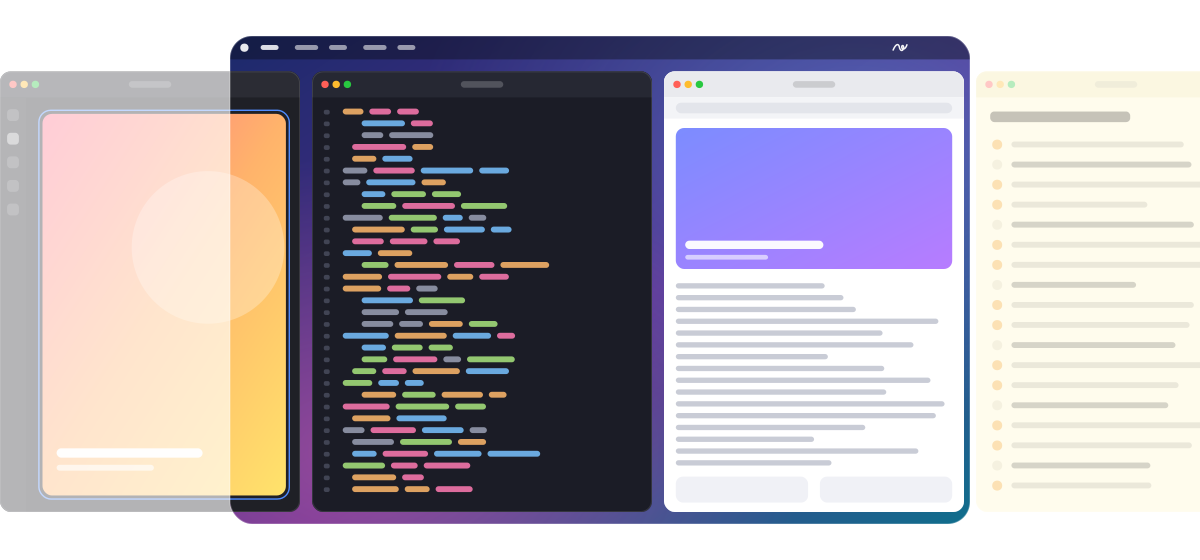
An endless strip.Scroll through your windows, not around them.
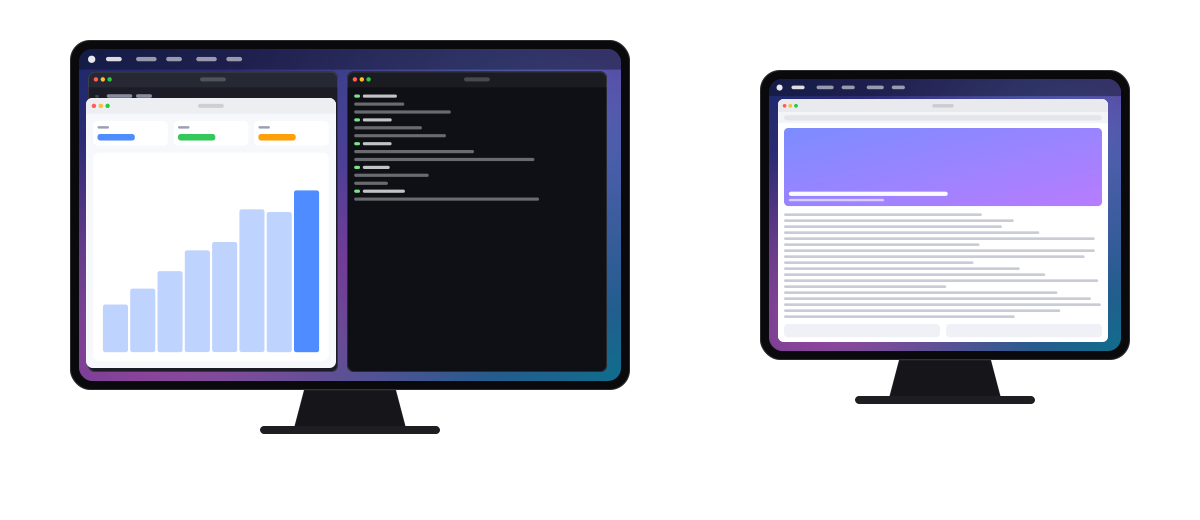
Windows sit in columns, side by side. Change focus and the strip glides with a smooth spring until the window you want is in view.
Ruban
Every window in its place, side by side on an endless strip. One swipe from the next.
Requires macOS 14 Sonoma or later.
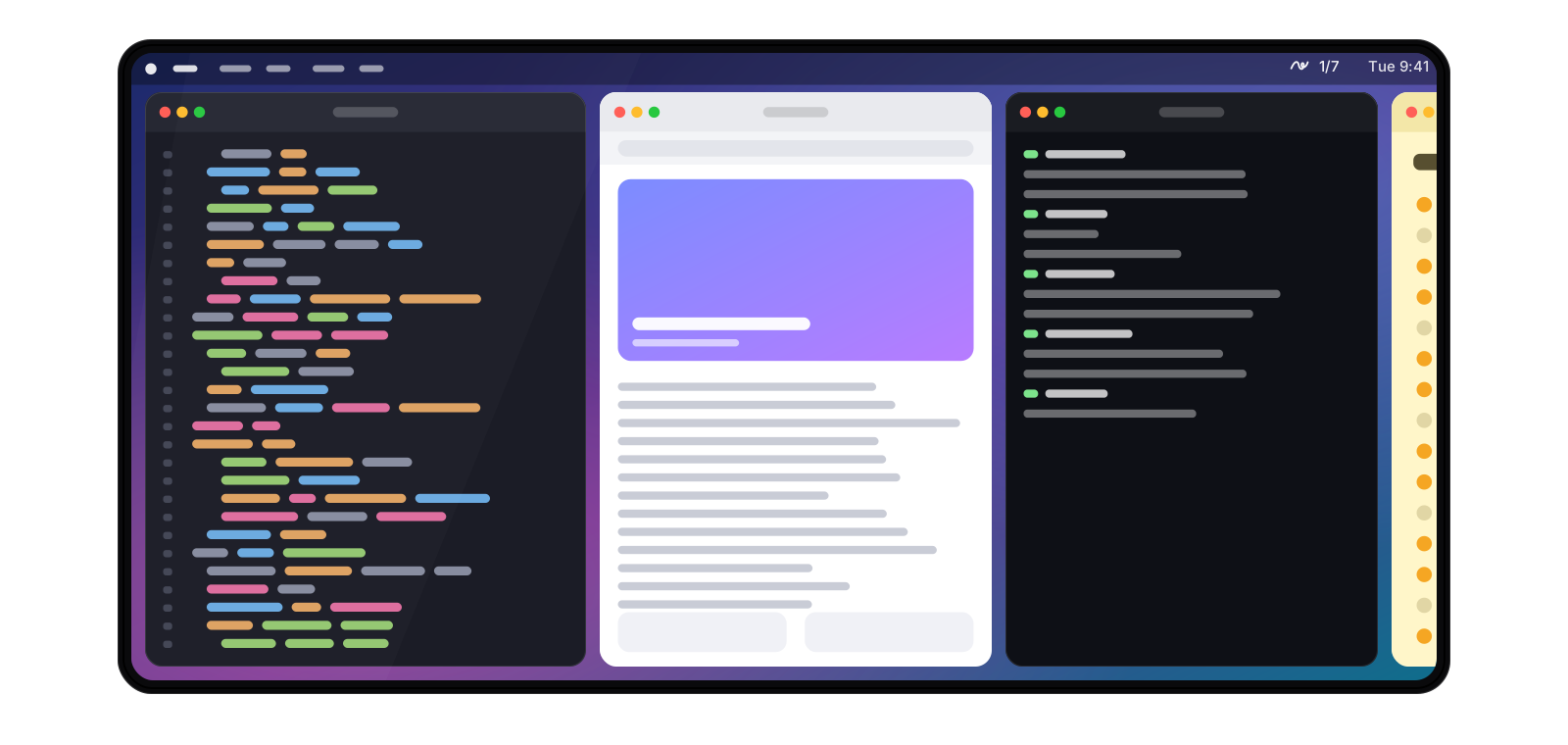
No overlap. No shuffling. No hunting for the window you lost. Just the work in front of you, and the next piece one gesture away.
Windows sit in columns, side by side. Change focus and the strip glides with a smooth spring until the window you want is in view.
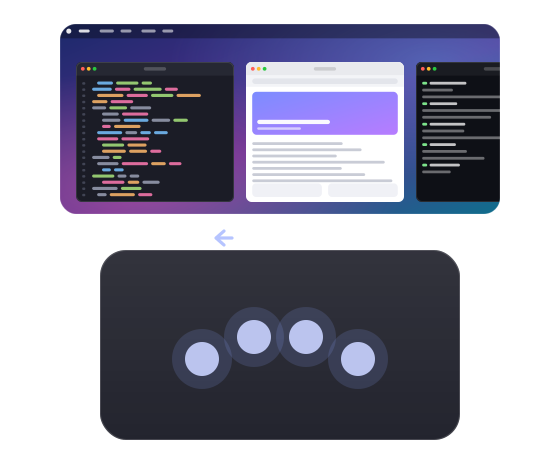
Slide four fingers across the trackpad to move along the strip. A short flick is enough to jump to the next column.
Put two windows in one column, or fold a column into tabs when you want a single window on top.
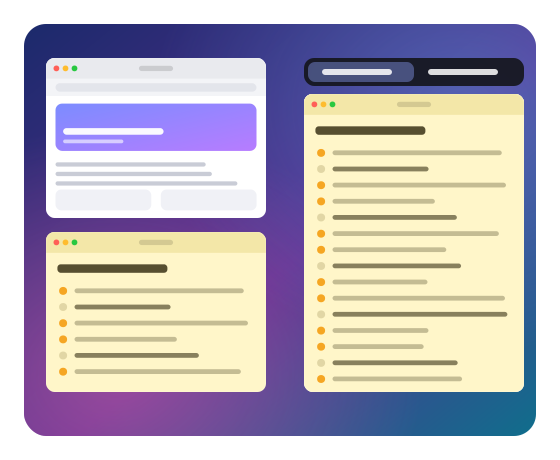
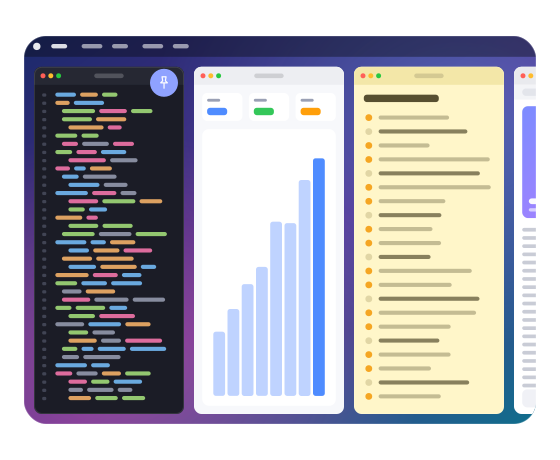
Fix a window to the left or right edge. The rest of the strip scrolls past without covering it.
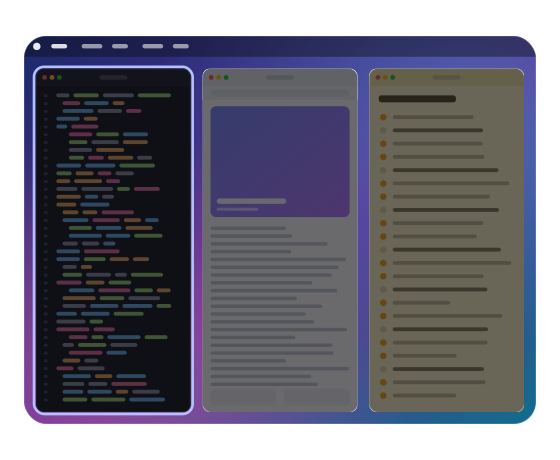
One shortcut darkens every window but the active one. The noise fades, the work stays.
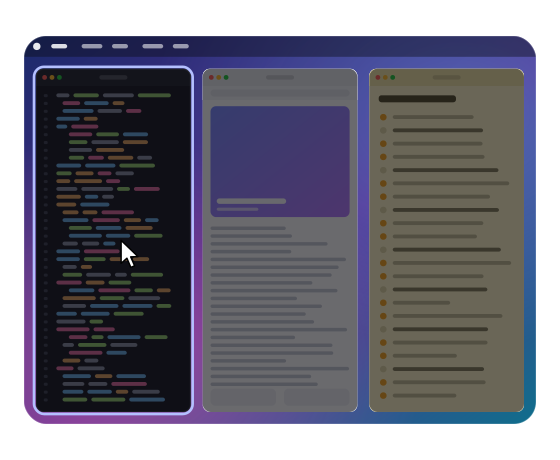
Rest the pointer on a window and it takes focus, with no click. Optional, and off until you switch it on.
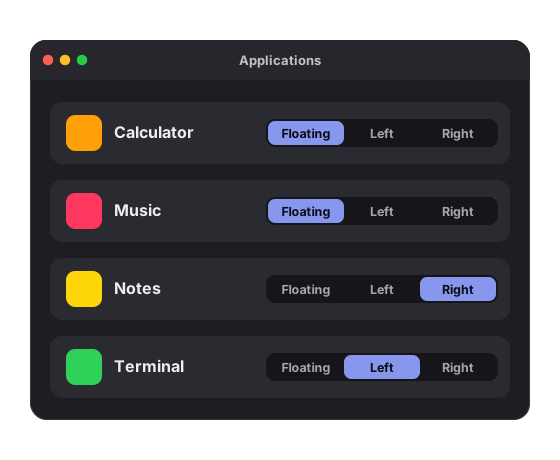
Let an app float freely, or pin it to an edge. Ruban remembers the rule every time that app opens.
Each display and each Space keeps its own strip. Send a window to the next screen with a single shortcut.
Written in Swift with no background polling. At rest, Ruban stays under one percent of the CPU.
No account, no analytics. Ruban only goes online to check your licence.
Reassign every shortcut and gesture, and set per-app rules: floating, or pinned to an edge.
These are the defaults. Letter keys follow your keyboard layout, AZERTY included.
Secure checkout. For macOS 14 Sonoma or later.
You only do this once.